
Dragon Shelter Tools Hub
Specs, a first-day farm list, and the boring prep that keeps a cozy evening cozy.
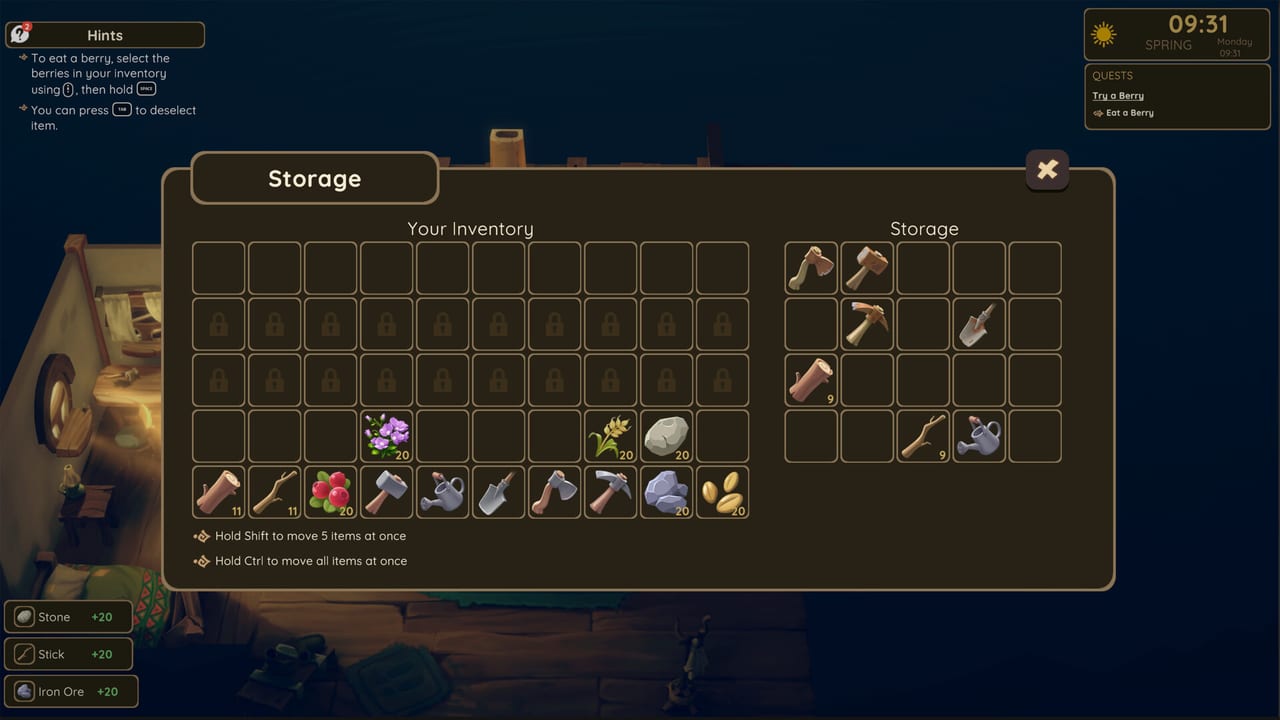
This hub is for the unglamorous work that makes Dragon Shelter feel kind instead of fiddly. Two utilities live here: the quoted PC system requirements and a farm checklist you can run before launch or during the Steam demo. Neither page is a story recap. They are the difference between a smooth first night and a session that dies on a RAM warning, a missed jam order, or a save you overwrote while flooding a field.
Dragon Shelter is an upcoming single-player farm sim from Wild Forest Studio and Curve Games. The full game launches September 24, 2026 on Steam for Windows. Price is unlisted. You can download the demo while you wait. Tools on this wiki assume that split: the demo is playable, the campaign is not in your library yet, and your job is to arrive on September 24 with a PC that meets the floor and habits that match the opening days.
What belongs in Tools, not Guides
Guides teach systems. Tools give you a go/no-go. If you want to understand watering, recipes, or dragon moods, leave this hub and open farming, cooking, or dragon care. If you want a narrated first run, use Getting Started and the demo walkthrough. Come back here when you need a spec table or a list you can tick.
The system requirements page quotes Steam. Minimum is Windows 10 64-bit, an Intel Core i5-8400 or AMD Ryzen 5 1600, 16 GB of RAM, a GeForce GTX 1050 Ti or Radeon RX 560 with 4 GB, DirectX 11, 10 GB of space, 1080p at 30 FPS on Low, SSD recommended. Recommended is Windows 11 64-bit, an i5-9600K or Ryzen 5 3600, 32 GB of RAM, a GTX 1660 Ti or RX 590 with 6 GB, DirectX 12, the same 10 GB, 1080p at 60 FPS on High. Older demo notes sometimes sounded lighter on the GPU line. Ignore them. Trust the full-game Steam page.
The farm checklist is the human side of the same idea. Confirm 16 GB of RAM. Wishlist the full game. Pack a first-day tool habit. Water flowers. Grow berries. Make jam for Rufus. Keep the flute in reach. Sleep on time. Back up the save. Those items sound small because they are small — and because they are the exact places demo players trip.
How to use both pages in one evening
Run the spec page first. If you are under 16 GB, stop. Cozy lighting and a dragon in the kitchen still cost memory, and Steam’s floor is not a suggestion. If you pass, install the demo, then keep the checklist in a second window. Play two or three farm days, not a binge. The Steam demo article explains why the slice is 2–4 hours and where it is supposed to stop.
Controller users should skim controls before the tutorial finishes. The studio heard accessibility notes about fonts and readability; until those land in a later build, sit closer, bump UI scale if the menu offers it, and do not play the first kitchen rush on a dim TV across the room.
What these tools will not do
They will not tell you a price. They will not promise Steam Deck. They will not invent a second human at the stove. Dragon Shelter is single-player. Cooking together with a dragon is still one person, one kitchen. They also will not replace the Updates Hub. Dates and polish notes belong there, especially the September 24, 2026 explainer.
Use the players hub if you need the water dragon, the fire dragon tease, or the townsfolk roster while you tick the checklist. Use the tier list only as a demo-era opinion. Use the review if you want a first-look tone check after the slice, not before you confirm your GPU.
When September 24 arrives, this hub should still be the first stop: confirm the Steam table did not change, then run the checklist on a fresh campaign. Official store and studio URLs live on the links hub. Keep this page boring on purpose. Boring prep is how a cozy game stays cozy.
Frequently Asked Questions
Quick answers to the most common Dragon Shelter questions.
What tools does this wiki keep here?
Quoted Steam system requirements and a first-day farm checklist for the demo and the September 24, 2026 launch.
Do I need 16 GB of RAM?
Yes for the listed minimum. Steam's full-game table sets memory at 16 GB. Do not plan around an 8 GB laptop.
Should I read Guides or Tools first?
Tools if you need a go/no-go on hardware or a tick list. Guides if you need farming, cooking, or dragon-care systems.
Is there a price calculator or Deck checker?
No. Price is unlisted and Steam Deck compatibility is unknown. This hub will not invent either.
Can I use the checklist in the demo?
Yes. That is the point. The demo is playable on Steam, and the list matches the opening days of that slice.